
 Supercharge File Manager Pro with the New Cloudflare R2 Addon
Try Now
Supercharge File Manager Pro with the New Cloudflare R2 Addon
Try Now

Documentation
Full Screen Code Editor
1. Please login to your WordPress Dashboard and click on the WP File Manager Tab in the wordpress panel as shown in the screenshot.
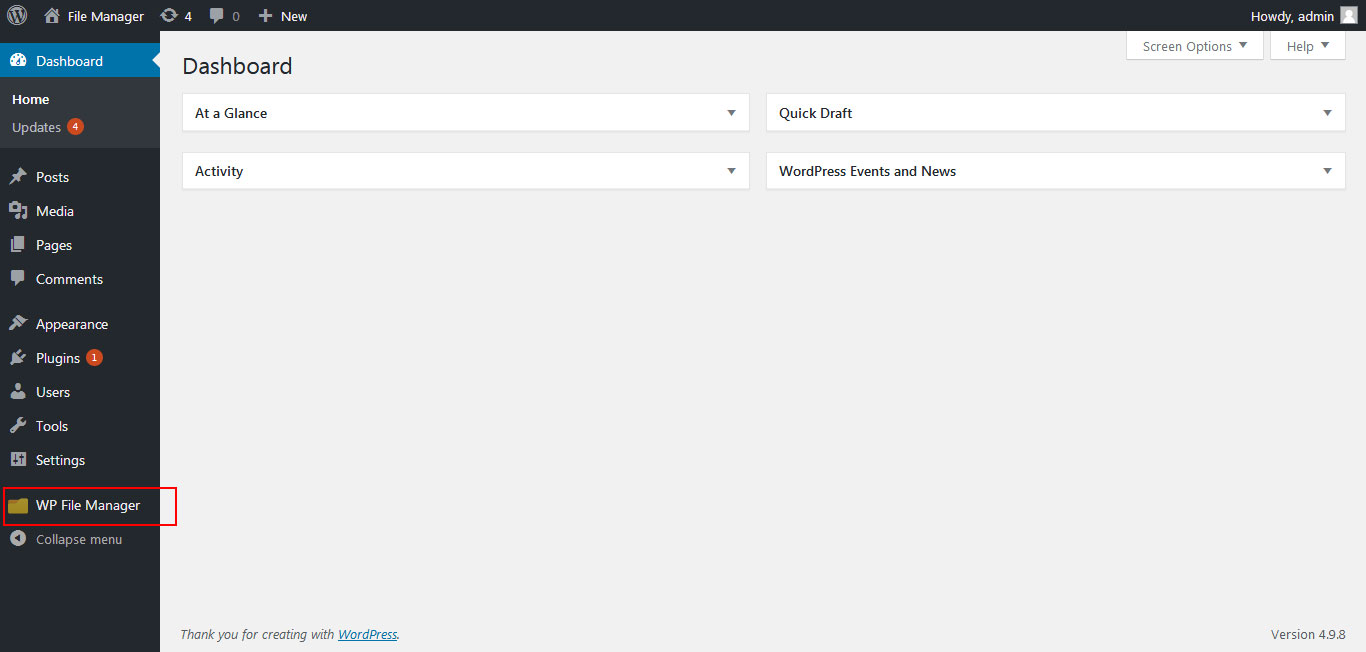
2. Click on Settings tab under File Manager Panel in the left side and then click on Code Editor as shown in the screenshot.

3. Now Tick the checkbox under the field “Code editor allow fullscreen?” and click Save Changes.

The most powerful, extendable, flexible, and easiest Wordpress file manager plugin ever built!
Quick Links
Contact Support
Subscribe
Copyright © 2026 File Manager Pro. All Rights Reserved.